
In Galaincha, design graphs can be printed in full color, colored outlines or black outline.
Go to File>Print Graph (Ctrl+P)
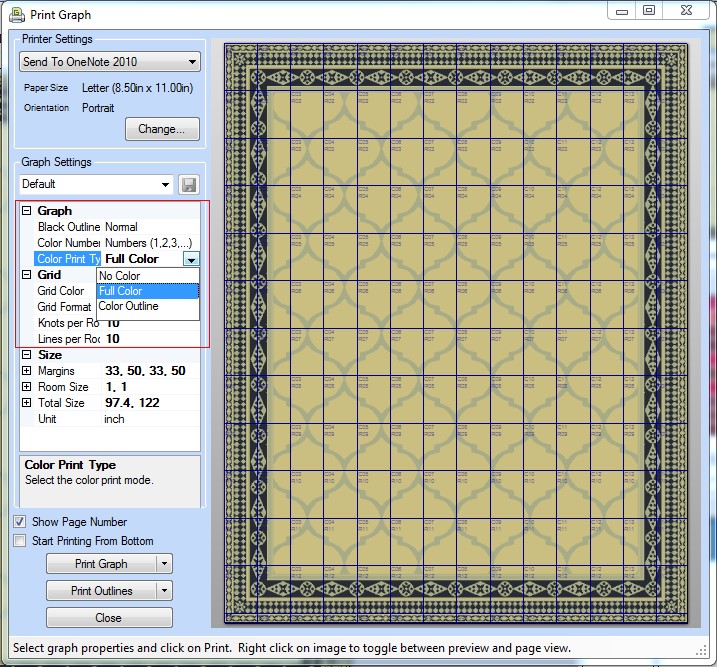
On the left of the Print Graph dialog box, click the Color Print Type dropdown and choose as required.
Note: Choosing No Color option will print the design in black outlines, it will be visible in the dialog box only after zooming in (right click).
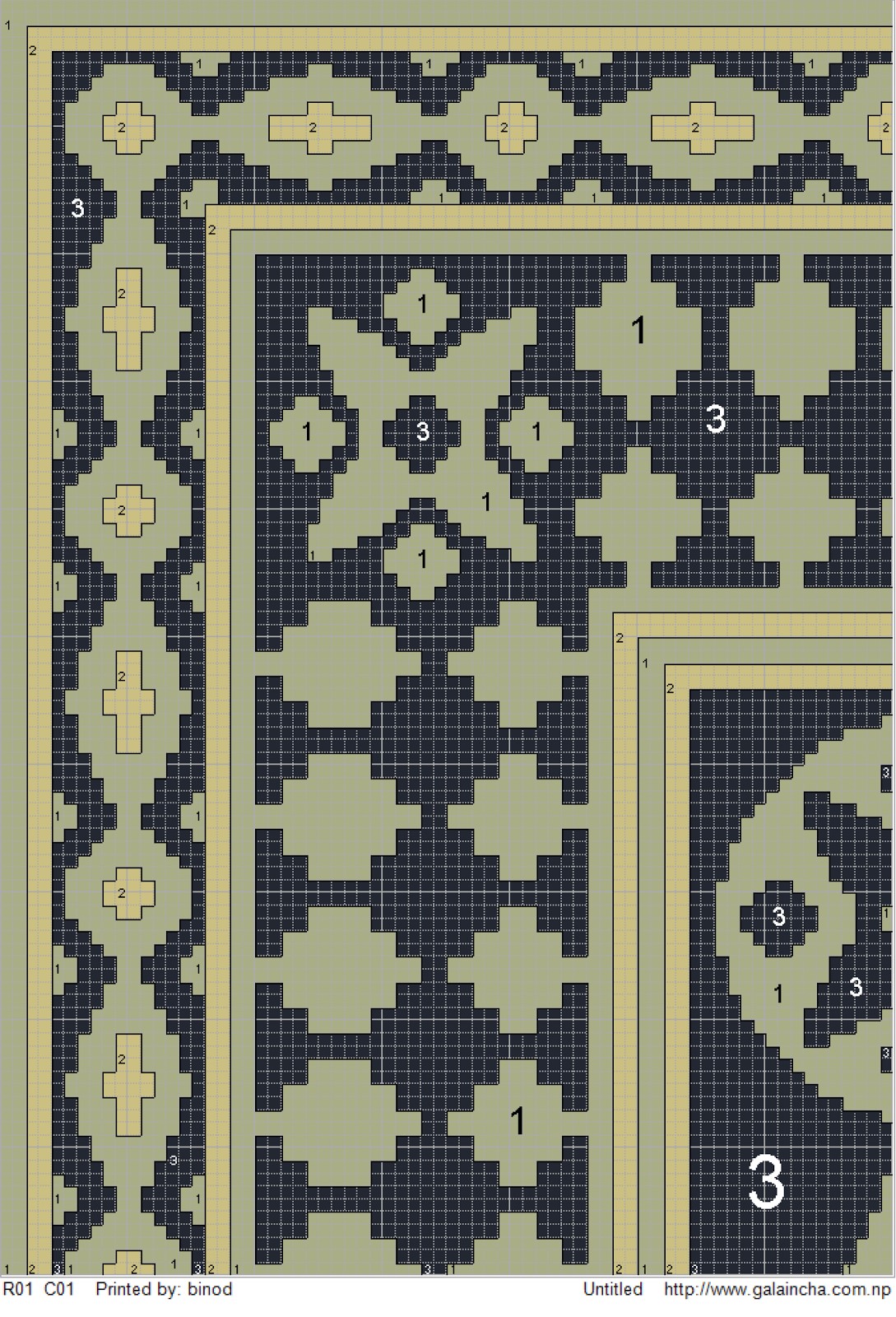 | 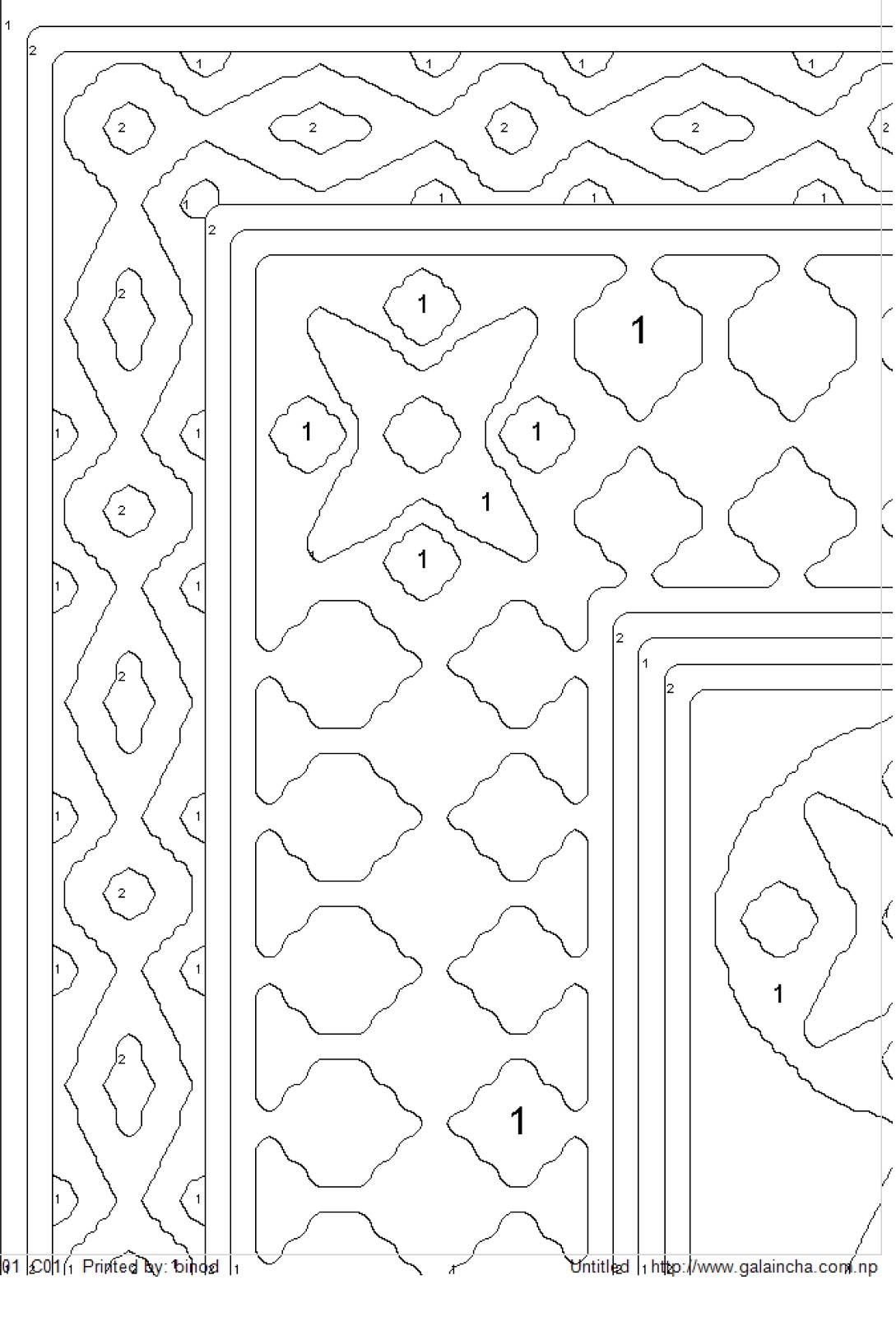 |
| Full Color Graph Print | Outline Print |
Comments
0 comments
Please sign in to leave a comment.