
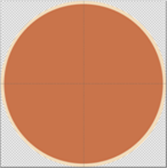
Create a new file and make it square in size.
- Go to Select tool
 and select the option full circle
- Make Center Guide Visible (View >> Center Guides )
- Invert the selection. Go to Edit >> Invert Selection (Shortcut = Ctrl + I) and press the delete key
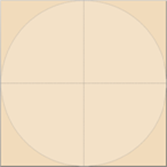
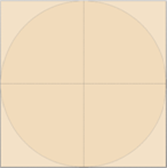
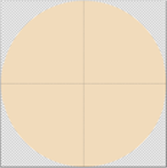
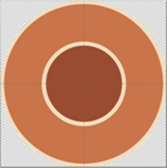
- Then pick a different color and select the Ellipse tool

- Hold Ctrl + Shift key and drag the mouse from the center of the canvas to draw a circle.
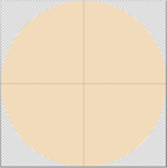
- Now, pick another color and repeat the same process.
Comments
0 comments
Please sign in to leave a comment.